


CaptureFrame
CaptureFrame
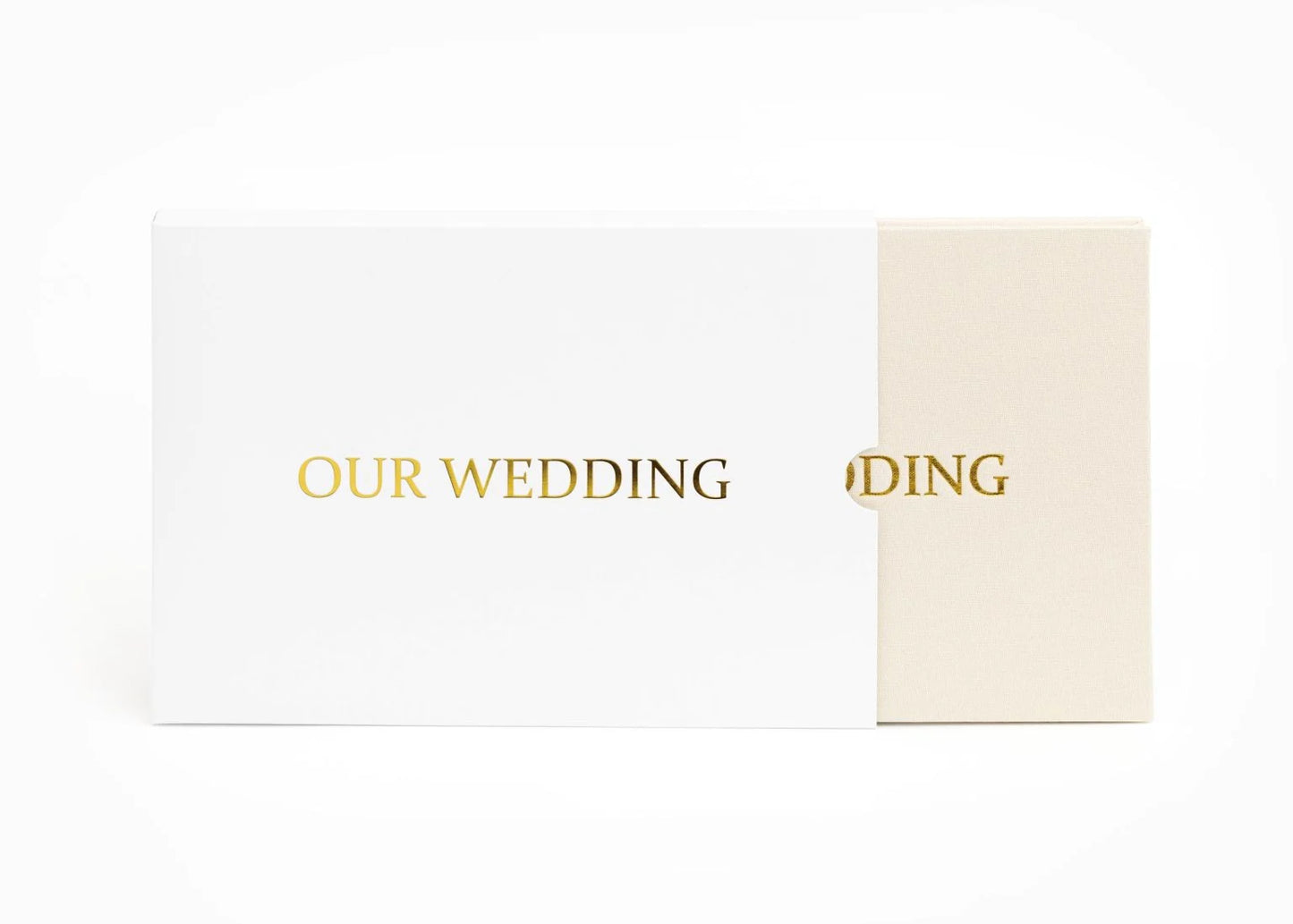
A keepsake that plays your memory as a video, with sound, the moment you open it. Weddings, first steps, messages from loved ones — preserved forever, not just as a photo, but as a living experience you can relive anytime.
Why You’ll Love CaptureFrame™
✓ Bring treasured memories to life with video and audio
✓ Create a truly personal and unforgettable gift
✓ Simple upload process with instant playback
✓ Premium design that looks beautiful on display
✓ Perfect for weddings, anniversaries, birthdays, graduations, and special occasions
✓ A lasting keepsake you’ll cherish for years
Couldn't load pickup availability



Why CaptureFrame?
CaptureFrame™ transforms your favorite memories into an immersive keepsake that lets you relive life’s most meaningful experiences with video, sound, and emotion. Whether it’s a wedding day, a baby’s first steps, a heartfelt message from a loved one, or an unforgettable adventure, CaptureFrame™ preserves those moments in a way that photos alone never could.
Designed to be both elegant and easy to use, CaptureFrame™ instantly brings your memories back to life whenever you open it. Every laugh, smile, and heartfelt moment becomes a living experience you can revisit again and again.
Instant Memory Playback
CaptureFrame™ automatically plays your memories the moment it opens, creating a seamless and emotional experience without buttons, apps, or complicated setup.
Watch the video:


Genuine Quality
Don’t fall for cheap knock offs that look similar but fail to deliver.
Choose CaptureFrame™ for trusted quality, real experience, and lasting value.

|
Others |
Instant Playback |
|---|---|---|
Auto Trigger |
||
HD Display |
||
Built-In Audio |
||
Offline Access |
||
Premium Finish |
Frequently Asked Questions
How long can my videos be?
There is no strict limit to video length on CaptureFrame™, but it is naturally limited by the 4GB internal storage.
We recommend videos up to 15 minutes for the best viewing experience. This gives you plenty of space for wedding highlights or short-form memories.
What video formats work best?
CaptureFrame™ supports all standard formats like .mp4 and .mov, the same ones used on platforms like YouTube or Facebook.
For best results, videos should be in 16:9 ratio (1920x1080 or 1280x720). If needed, you can resize using free tools online.
Can I load multiple videos onto the book?
Yes. CaptureFrame™ works like a USB device, allowing you to upload multiple videos up to the 4GB limit.
You can organise playback order by simply renaming files with numbers. Lower numbers will play first.
Can I upload photos as well?
Absolutely. You can upload photos just like videos, and they will play as a slideshow after your videos.
You can also add a .mp3 file to include background music for a more immersive experience.
Does it require WiFi or any apps?
No. CaptureFrame™ works completely offline with no apps, subscriptions, or internet connection needed.
How do I upload my files?
Uploading to CaptureFrame™ is simple and takes just a few steps.
Step 1: Choose your favourite videos or photos
Pick meaningful moments you want to relive or share.
Step 2: Connect the device
Use the included USB cable to connect CaptureFrame™ to your computer. It will appear like a regular drive.
Step 3: Drag and drop
Open the folder and drag your files inside. No apps or software needed.
Step 4: Enjoy instantly
Unplug the device, open the cover, and your memories will play automatically.
Note: For best results, videos should be in 16:9 format (1920x1080 or 1280x720). If needed, you can resize your video using tools like Adobe Video Resizer.